Next Cohort Starting Classes start this Monday! Secure your remote training seat before registration closes.
42 remote professionals are currently viewing this page
Accept Your Remote Career Mission

“If You Can Dedicate Just 60 Minutes A Day, Imagine The Career, Life, And Freedom You Can Have In One Month!

Begin the SMK Practical Training Tracks and we will hold you by the hand as we create a thriving remote career (from scratch) together!

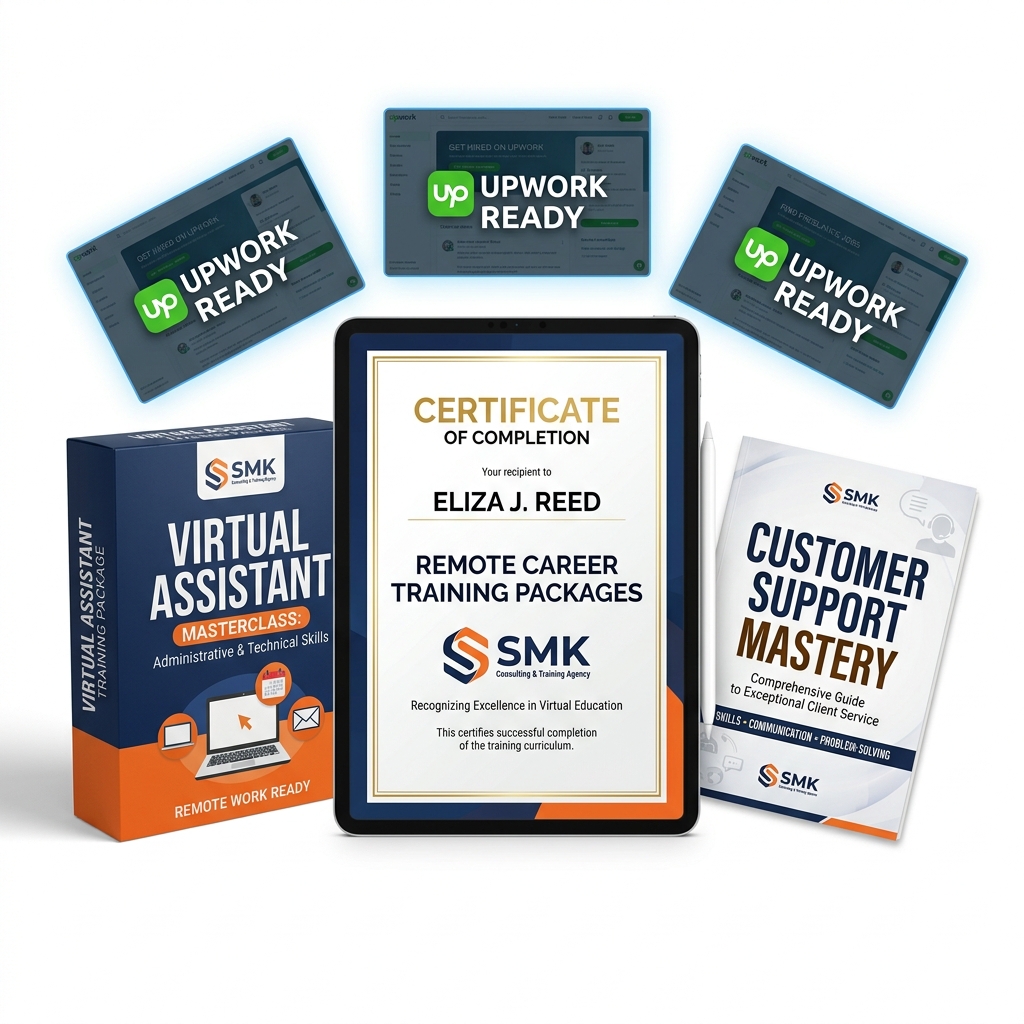
SMK Training Stack Mockup

Join The Training Today!

Choose your track below — complete practical mock assessments & get certified.

Core Work Training Tracks

Virtual Assistant Training

Don't Just Learn Virtual Assistance. Learn How to Actually Support Real Clients.

Many aspiring Virtual Assistants spend time learning different tools but still struggle when it comes to performing real client tasks.

The challenge is not just knowing Gmail, Google Calendar, or other software. The real skill is knowing how to use these tools to solve problems, stay organized, and provide professional support.

SMK's Virtual Assistant Training is designed to help you bridge the gap between learning and doing. Through guided lessons, realistic work tasks, and practical assignments, you will learn how Virtual Assistants support businesses every day.

THE SMK VIRTUAL ASSISTANT PRACTICE LAB:

  • Managing professional emails and inboxes
  • Organizing files and documents
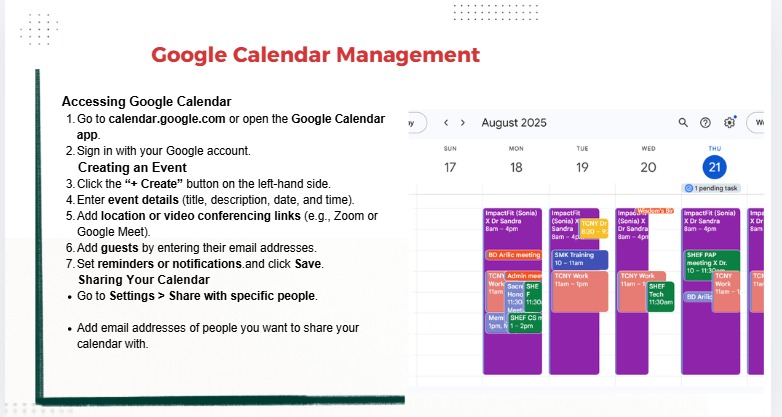
  • Managing calendars and appointments
  • Scheduling meetings using Google Calendar and Calendly
  • Setting reminders and preventing scheduling conflicts
  • Preparing meeting agendas
  • Supporting virtual meetings
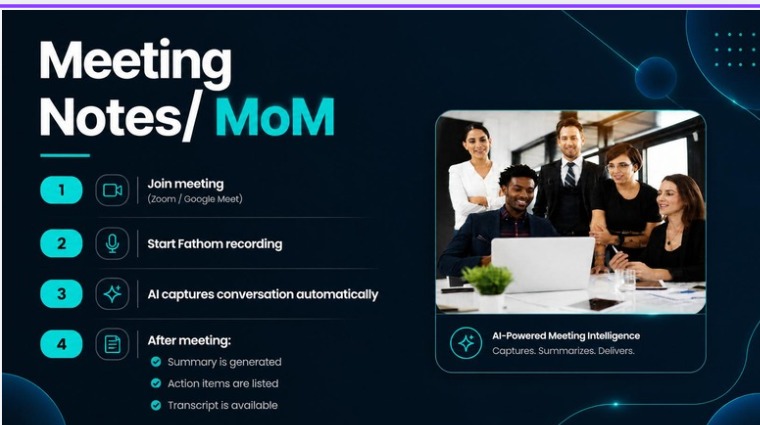
  • Taking professional meeting notes and creating follow-up actions
  • Managing tasks and workflows
  • Communicating updates professionally with clients
  • 1 month free access to our job hunting community

Tools Mastered:

Gmail Calendar Calendly Drive Asana Slack Zoom Loom
CLASS FORMAT:

2-Week Practical Training • 3 Live Zoom Sessions Weekly • 2 Hours Per Session • Practice activities and assignments • Group support

25,000
Enroll In VA Course Now → Secure your seat — cohort starts Monday

Customer Service Training

Don't Just Learn Customer Service. Experience How Support Teams Work.

Customer service requires more than good communication. You need to understand customer psychology, use the right tools, solve problems, and handle real workplace situations confidently.

SMK's Customer Service Training gives you practical exposure through guided customer support exercises, industry tools, and assessments that help you build job-ready skills.

We believe in learning by doing. By practicing on simulated support desks, you will confidently ace interviews and perform excellently from your very first day on the job.

CUSTOMER SUPPORT PRACTICE LAB:

  • Customer emails and live chats handling
  • Complaints and difficult situations resolution
  • Returns and refunds management
  • Support tickets and customer requests management
  • Voice and non-voice customer support strategies
  • E-commerce customer service workflows
  • Processing orders and navigating shipping systems
  • De-escalating angry or frustrated customers
  • Using macro responses efficiently and personally
  • Cross-selling and upselling techniques via support
  • 1 month free access to our job hunting community

Tools Mastered:

Zendesk Gorgias HubSpot Shopify RingCentral Cloud Call
CLASS FORMAT:

3-Week Practical Training • 3 Sessions Weekly • 2 Hours Per Session • Live Zoom classes • Practice exercises & mock assessments

35,000
Enroll In CS Course Now → Secure your seat — cohort starts Monday

Upwork Beginner's Class

Create Your Upwork Foundation and Learn How to Start Applying Strategically.

Many beginners join Upwork excited about freelancing but quickly become frustrated because they don't know how to set up their profile, find the right opportunities, or write applications that communicate their value.

The problem is not just being on Upwork. The problem is knowing how to position yourself and approach the platform correctly.

SMK's Upwork Beginner's Class helps you understand the platform, build a professional profile, and learn the process of applying for remote opportunities with a clear strategy.

WHAT YOU WILL LEARN:

  • How remote work and freelancing work
  • How to set up an Upwork profile professionally
  • How to position your skills for the right opportunities
  • CV and cover letter strategies
  • How to search for suitable jobs
  • How to write better applications
  • Basic CRM and productivity tools used in remote work
CLASS FORMAT:

1-Week Practical Training • 2 Live Sessions: Tuesday and Saturday • Live Zoom classes • Guided support & practice

120,000
Enroll In Beginner Course Now → Secure your seat — cohort starts Tuesday

Upwork Masterclass for Advanced Freelancers

Ready to scale? Take your freelancing career to the next level with VIP guided applications, interview prep, and direct mentor reviews.

Master Upwork. Land More Jobs. Build the Freelance Career You Deserve.

VIP Guided Application Support
1 Month Direct Mentor Review

Many freelancers know how to create an Upwork profile, but they still struggle with finding the right jobs, writing strong applications, preparing for interviews, and standing out among other applicants.

The difference between knowing Upwork and using Upwork effectively is having the right strategy, consistent action, and guidance.

SMK's Upwork Masterclass is designed for learners who are ready to go beyond the basics and receive structured support while applying what they have learned.

WHAT YOU WILL GET:

  • 1 month VIP guided job applications
  • Sample CV, Cover letter & frequently asked job application questions
  • Interview prep with sample frequently asked questions
  • Secret tip on how to land multiple jobs on Upwork
  • Daily job postings to apply for over the course of one month
  • Twice-weekly job application sessions with your coach
  • Unlimited access to your coach for a month
  • 1 free month access to our Job hunting community
CLASS FORMAT:

1-Month Practical Training • 2 Live Sessions Weekly (Wednesdays and Saturdays) • Zoom classes with recordings • VIP guided support

250,000
Enroll In Masterclass Track → Secure your seat — includes 1-Month VIP Support

YOUR REMOTE TRAINING DASHBOARD

Explore the detailed week-by-week curriculum and practical modules for our training programs below.

Virtual Assistant Training Syllabus

2-Week Intensive Practical Crash Course

VA Track
Understanding VA Role & Workspace Setup
Class 1
Understanding the VA Role & Workspace Setup

Learn the role of a Virtual Assistant, what clients expect, services you can offer, professional communication, and how to create an organized remote workspace.

Tools: Gmail, Google Drive

Email Management, Calendar Scheduling & Meeting Support
Class 2
Email Management, Calendar Scheduling & Meeting Support

Learn how to manage client emails, organize inboxes, schedule appointments, support online meetings, and create professional meeting notes.

Tools: Gmail, Outlook, Google Calendar, Calendly, Zoom, Google Meet

Research, Data Management & Administrative Support
Class 3
Research, Data Management & Administrative Support

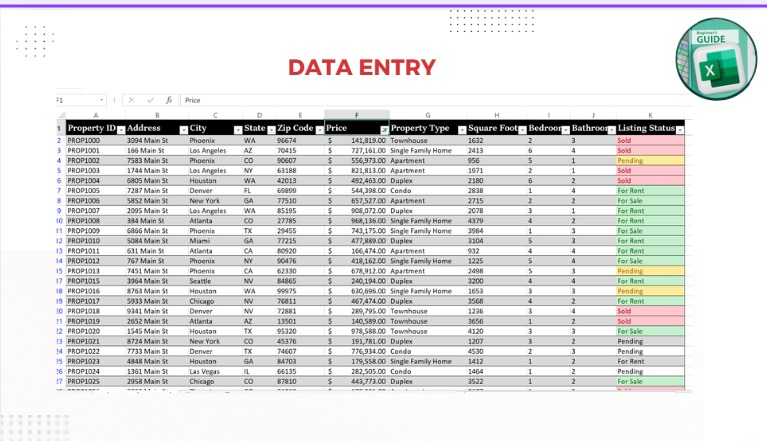
Learn how to conduct online research, manage data, create spreadsheets, plan travel itineraries, and support daily client tasks.

Tools: Google Sheets, Microsoft Excel, Google Flights

Document Management, Reporting & Client Deliverables
Class 4
Document Management, Reporting & Client Deliverables

Learn how to create professional documents, manage files, prepare reports, and organize client information effectively.

Tools: Google Docs, Google Sheets, Microsoft Office

Workflow Management, Reporting & Client Support
Class 5
Workflow Management, Reporting & Client Support

Learn how to organize client tasks, manage workflows, prepare reports, create professional client deliverables, and support daily administrative operations.

Tools: Asana, Canva, AI tools

Build Your VA Portfolio & Career Preparation
Class 6
Build Your VA Portfolio & Career Preparation

Learn how to showcase your skills, create a professional portfolio, and prepare for remote Virtual Assistant opportunities.

You will learn: Building a VA portfolio, creating a service menu, preparing a professional CV, finding clients (Upwork, LinkedIn, referrals).

By the End of This Training, You Will Gain Practical Experience In:

  • Email and calendar management
  • Client communication
  • Meeting support and research
  • Data management and reporting
  • Document creation and organization
  • Administrative support tasks
  • Workflow and task management
  • Building a professional VA portfolio
  • Preparing for remote VA opportunities

Customer Relations Training Syllabus

3-Week Comprehensive Support Mastery

CS Track
Customer Relations Foundations & Communication Skills
Day 1
Customer Relations Foundations & Communication Skills

Learn remote customer support fundamentals, customer expectations, professional communication, and how to handle inquiries effectively.

Tools: Gmail, Outlook, AI tools

Call Handling & Professional Customer Support
Day 2
Call Handling & Professional Customer Support

Learn professional phone etiquette, active listening, handling difficult conversations, and supporting customers across communication channels.

Tools: Google Voice, RingCentral Cloud Calling, Aircall, Freshcaller

E-Commerce Support & Remote Team Collaboration
Day 3
E-Commerce Support & Remote Team Collaboration

Learn how online businesses manage returns, refunds, shipping, payments, and customer issues while collaborating with remote teams.

Tools: Shopify, Slack, Microsoft Teams, Zoom, Screen recording

Shopify Customer Support Training
Day 4
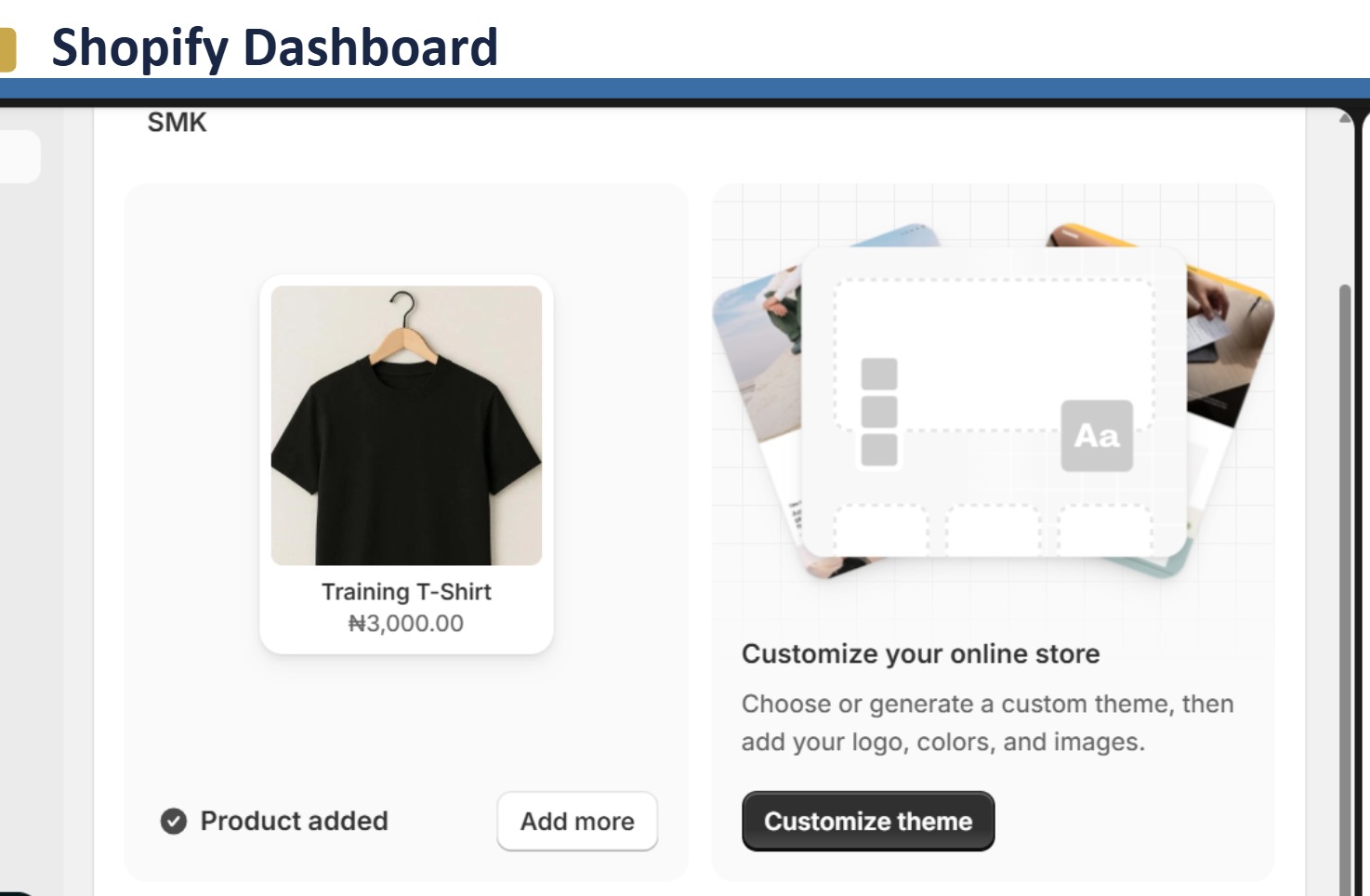
Shopify Customer Support Training

Learn how to manage e-commerce customer support, including orders, fulfilment, tracking, refunds, returns, cancellations, and product inquiries.

Platform: Shopify

Zendesk Helpdesk Training
Day 5
Zendesk Helpdesk Training

Get hands-on experience managing customer conversations using Zendesk.

Learn: Dashboard navigation, ticket creation/management, organization & prioritization, macros/templates, customer history, internal collaboration.

Gorgias Platform Training
Day 6
Gorgias Platform Training

Learn how businesses use Gorgias to manage e-commerce customer conversations.

Learn: Dashboard navigation, ticket management, macros and automation, order management, customer history, tags and filters.

HubSpot CRM Training
Day 7
HubSpot CRM Training

Learn how businesses use CRM systems to manage customer relationships.

Learn: Contact and ticket management, customer interaction tracking, reporting and performance insights.

Building Your Customer Service Portfolio
Day 8
Building Your Customer Service Portfolio

Learn how to showcase your customer support skills and experience professionally.

Learn: Creating a customer service portfolio, highlighting your experience with industry tools, presenting support projects professionally.

Career Preparation for Remote Roles
Day 9
Career Preparation for Remote CS Roles

Prepare for remote job opportunities with practical career guidance.

Learn: Customer support CV creation, cover letters and proposals, interview preparation, finding remote opportunities.

By the End of This Training, You Will Have Practical Experience In:

  • Customer communication and problem-solving
  • Email, chat, phone, and social media support
  • E-commerce customer support workflows
  • Shopify, Zendesk, Gorgias, and HubSpot CRM
  • Remote collaboration tools
  • Real-world customer support scenarios
  • Building a professional customer service portfolio

Upwork Strategy & Masterclass Syllabus

4-Week High-Yield Freelancing Strategy

Upwork Path
Beginner Class 1 & 2
Week 1
Beginner Class 1 & 2

Learn the fundamentals of remote work, Upwork, and CRM tools. Set up and optimize your Upwork profile, resume, bio, cover letter, and learn the basics of applying for jobs.

Masterclass 1 & 2
Week 2
Masterclass 1 & 2

Master advanced Upwork strategies, including profile optimization, winning proposals, interviews, contracts, messaging, payments, and proven techniques for landing multiple jobs.

Job Application Sessions
Week 3
Job Application Sessions

Hands-on practical sessions focused on applying for jobs, reviewing applications, improving proposals, and receiving live feedback to increase your chances of getting hired.

Job Application Sessions (Cont'd)
Week 4
Job Application Sessions (Cont'd)

Continued hands-on practical sessions focused on applying for jobs, reviewing applications, improving proposals, and receiving live feedback to increase your chances of getting hired.

TESTIMONIALS

Hear From Our Successful Students

Watch real video reviews and feedback from professionals who trained with SMK and built thriving remote careers.

Muna's Review
SMK Graduate Student
Sheila's Review
Customer Support Specialist
Jeff's Review
Remote Career Success
Richfield's Review
Virtual Assistant Specialist
Ngozi's Review
Upwork Freelancing Graduate
Crystal's Review
Remote Executive Assistant

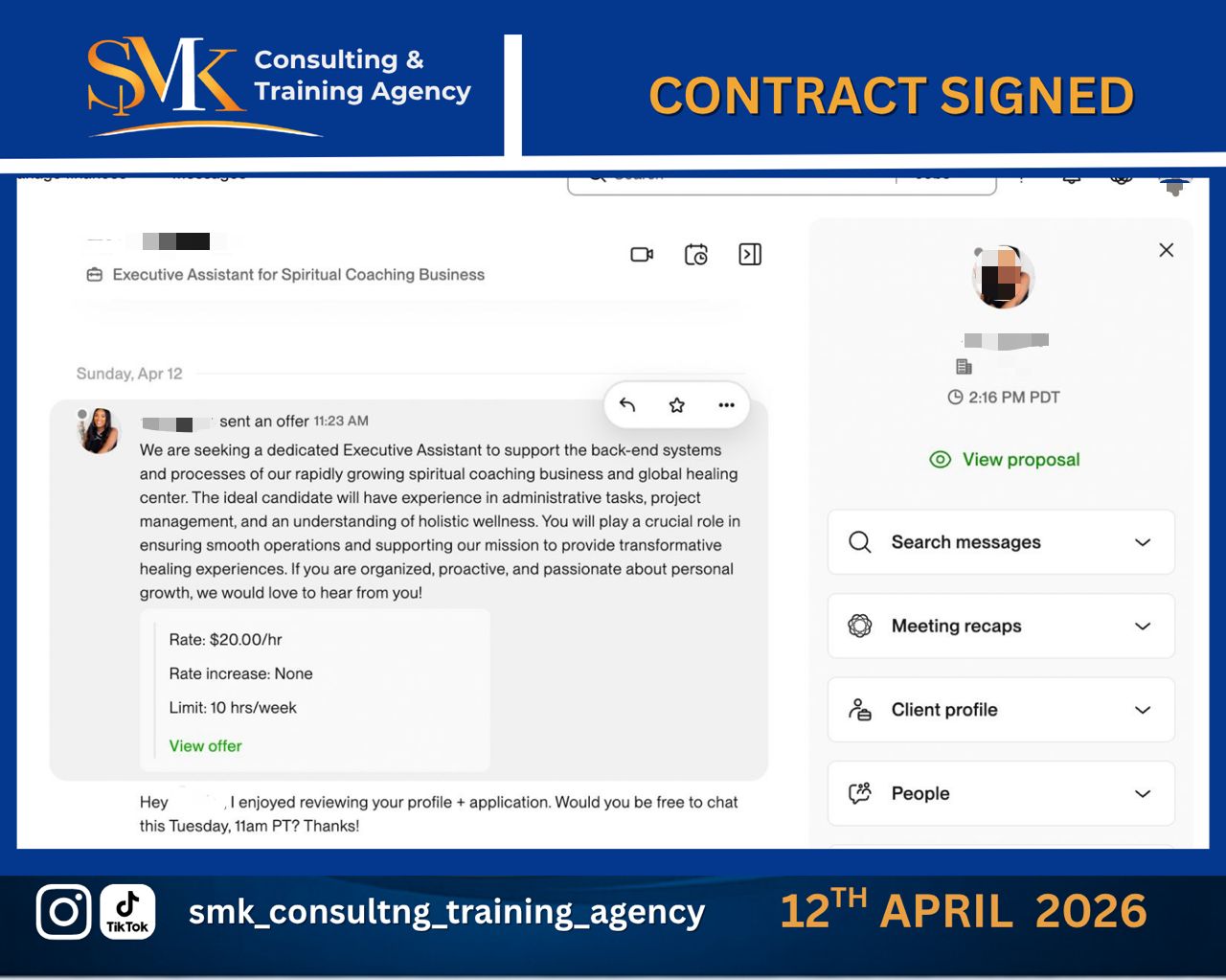
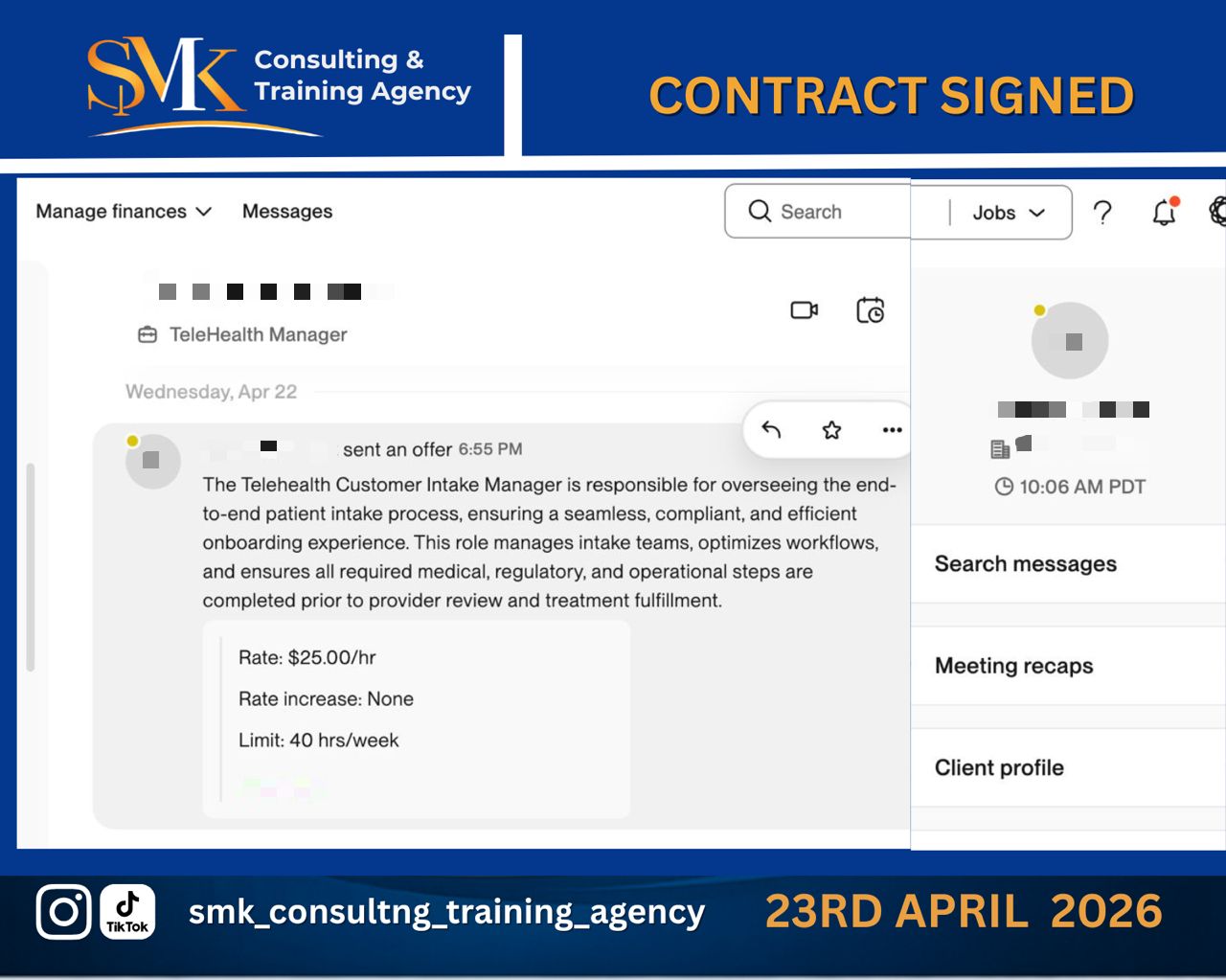
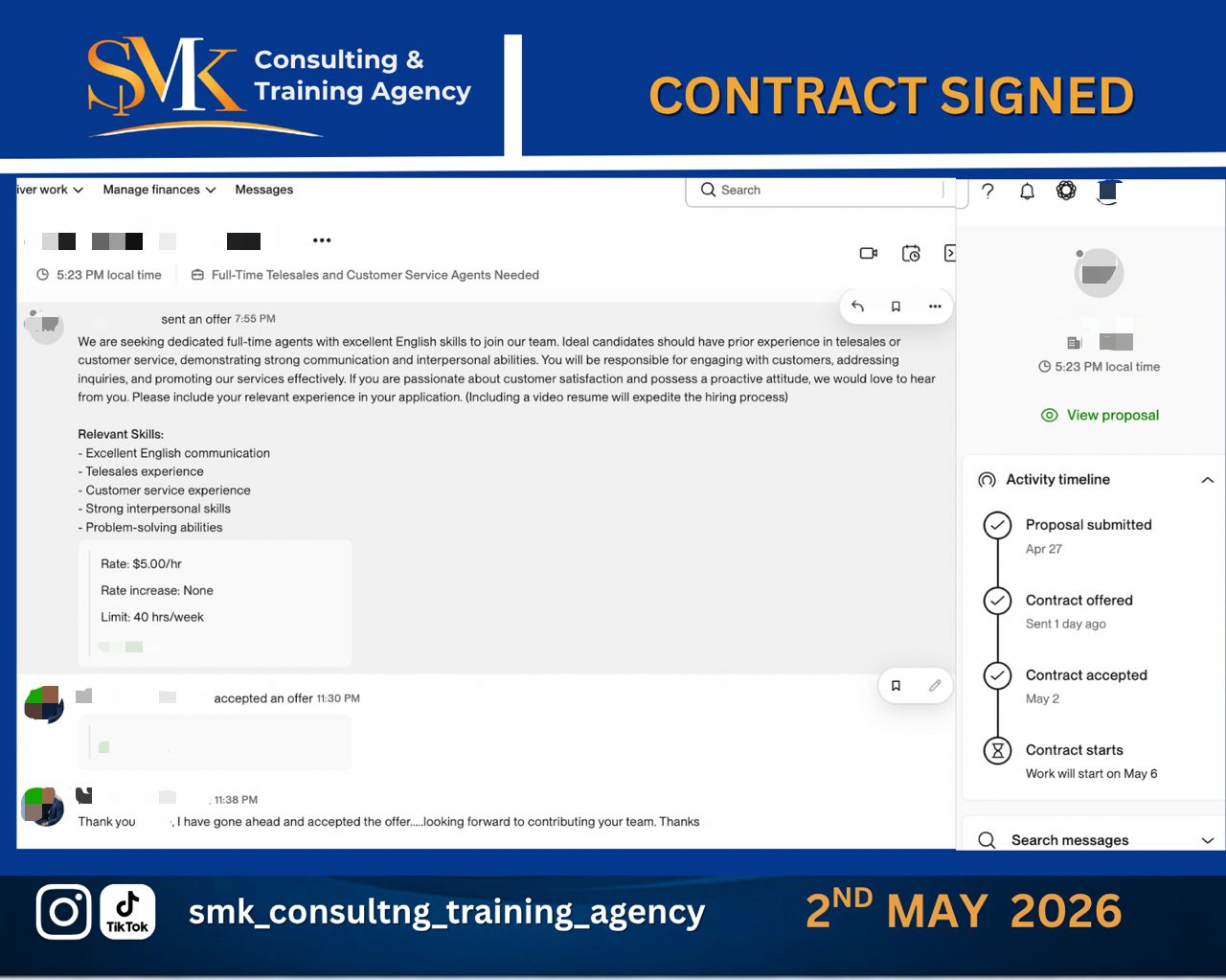
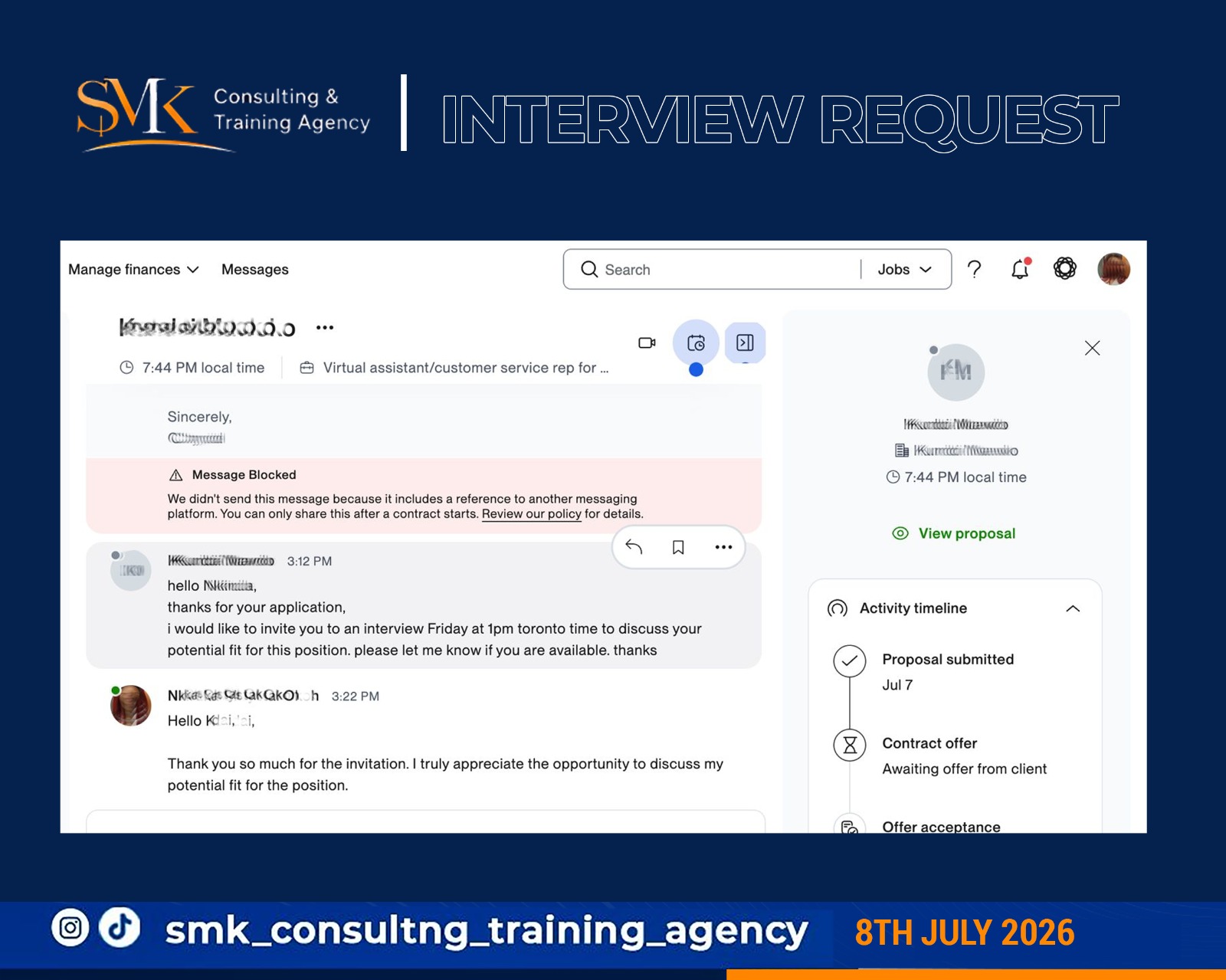
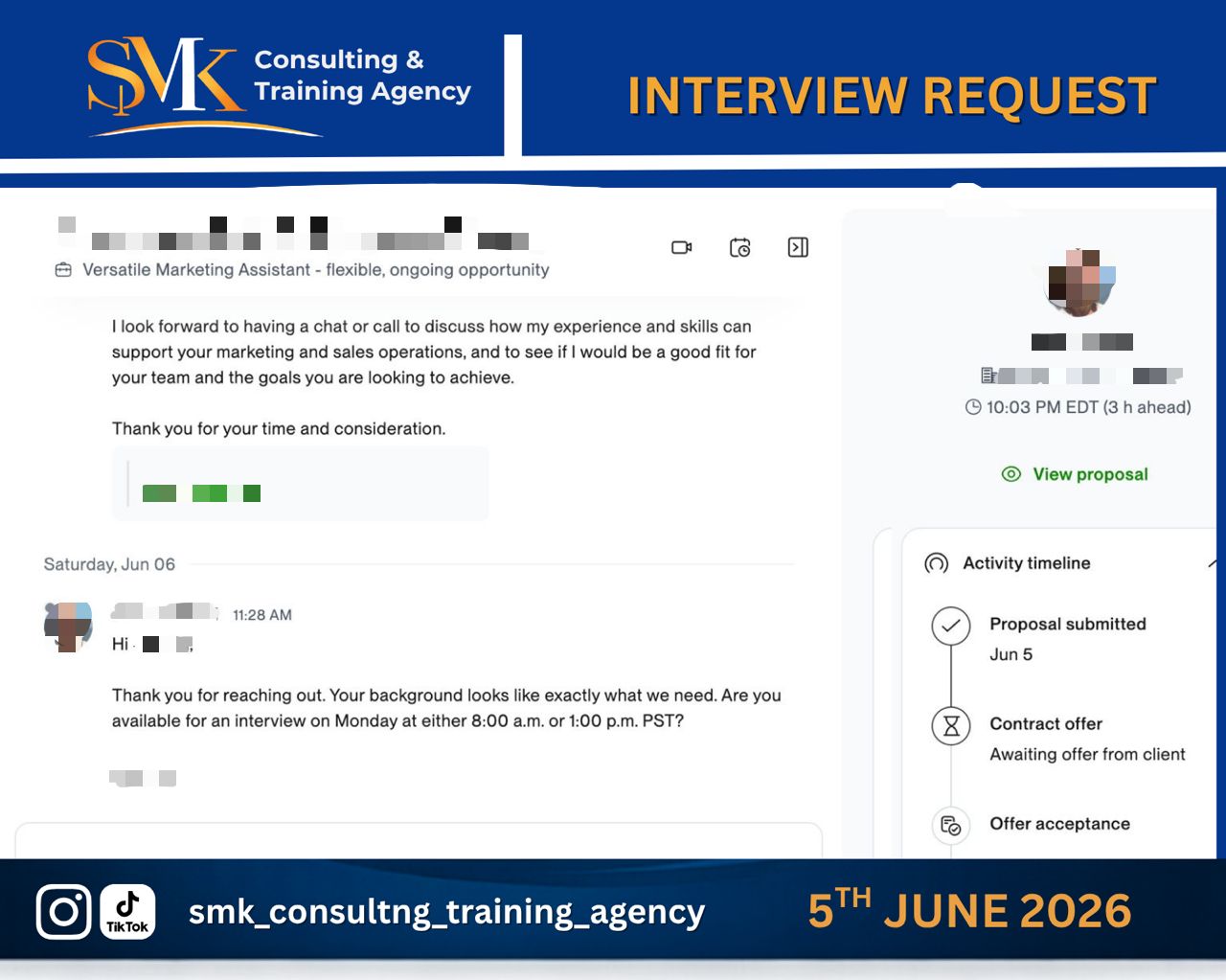
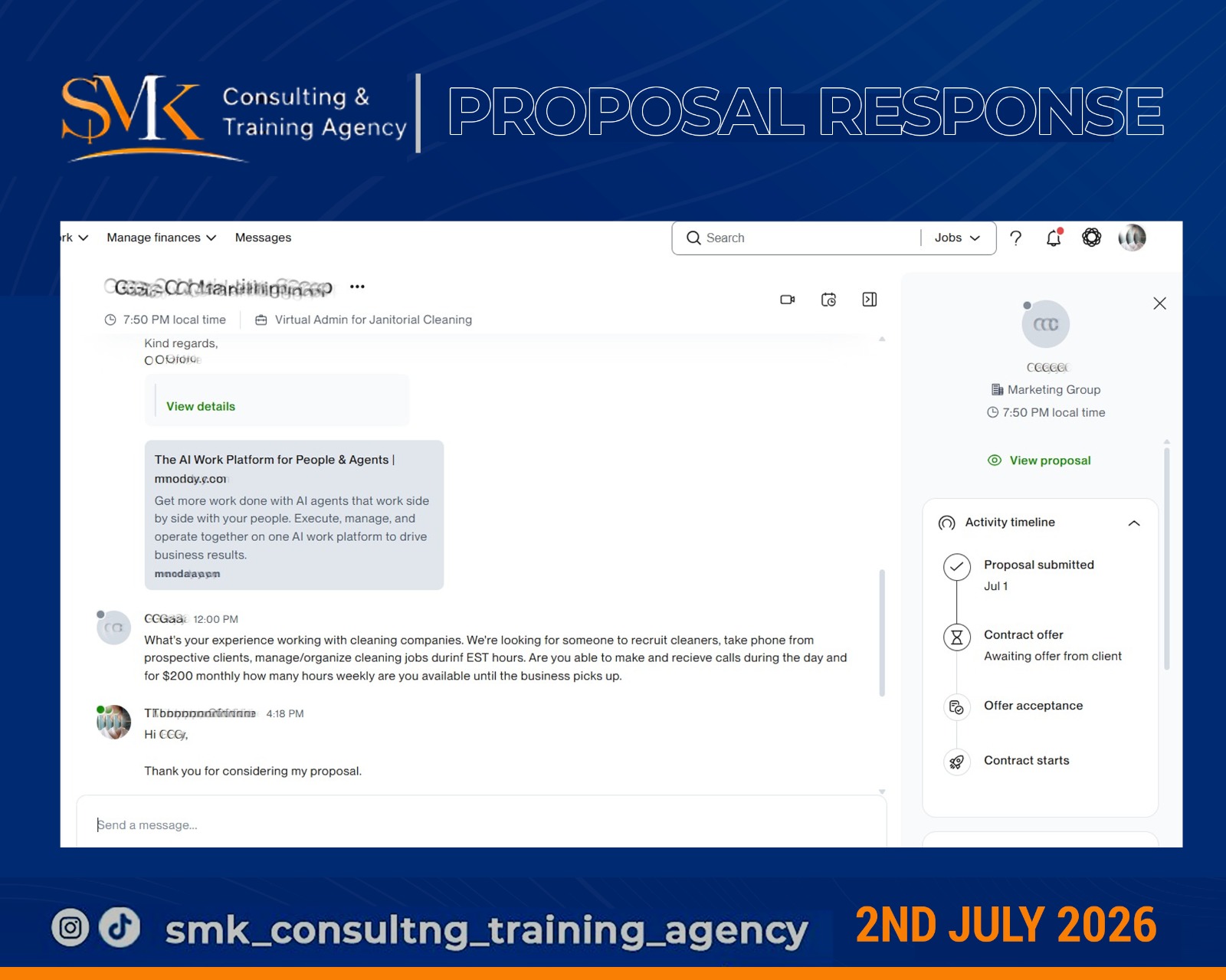
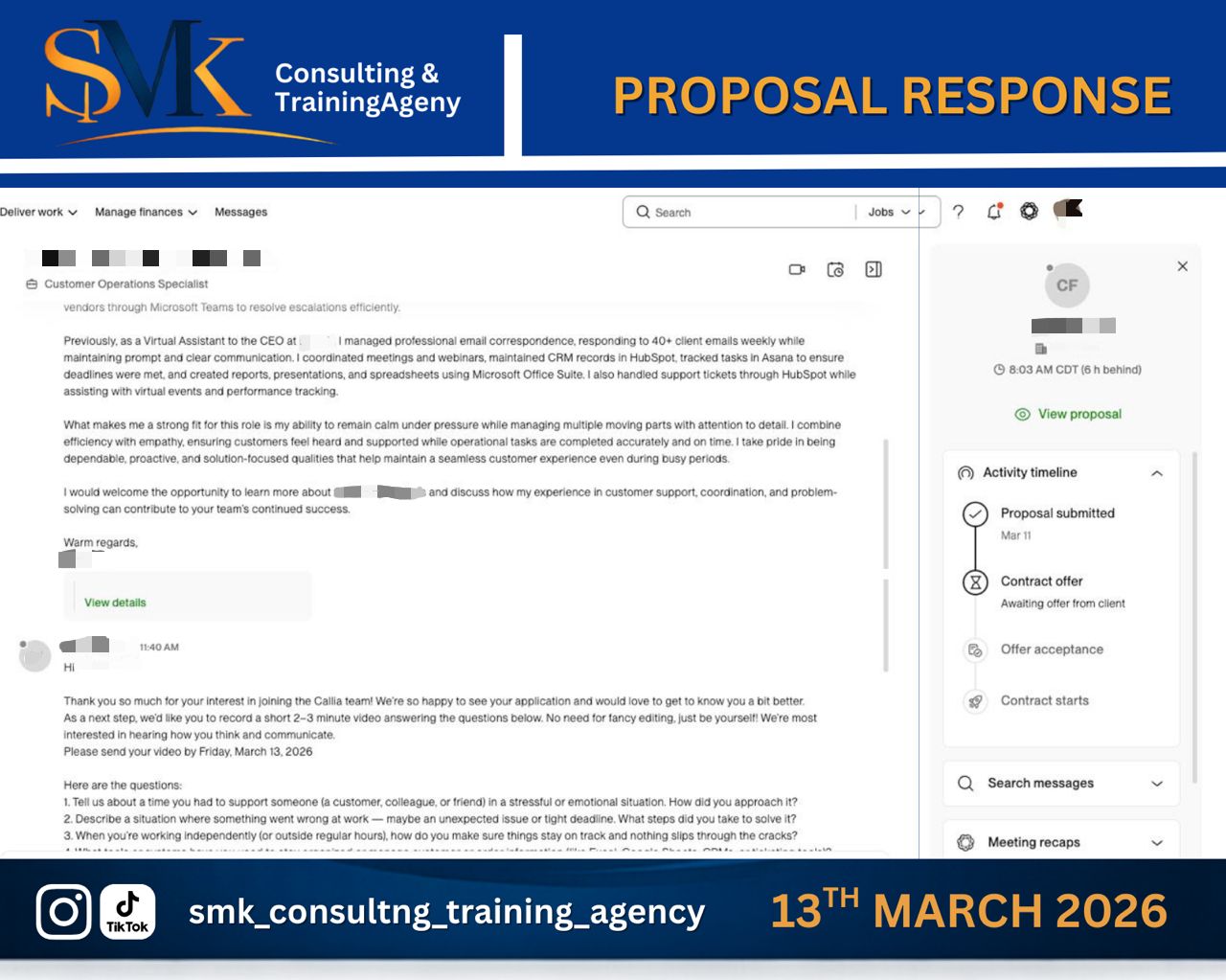
REAL RESULTS & SIGNED CONTRACTS

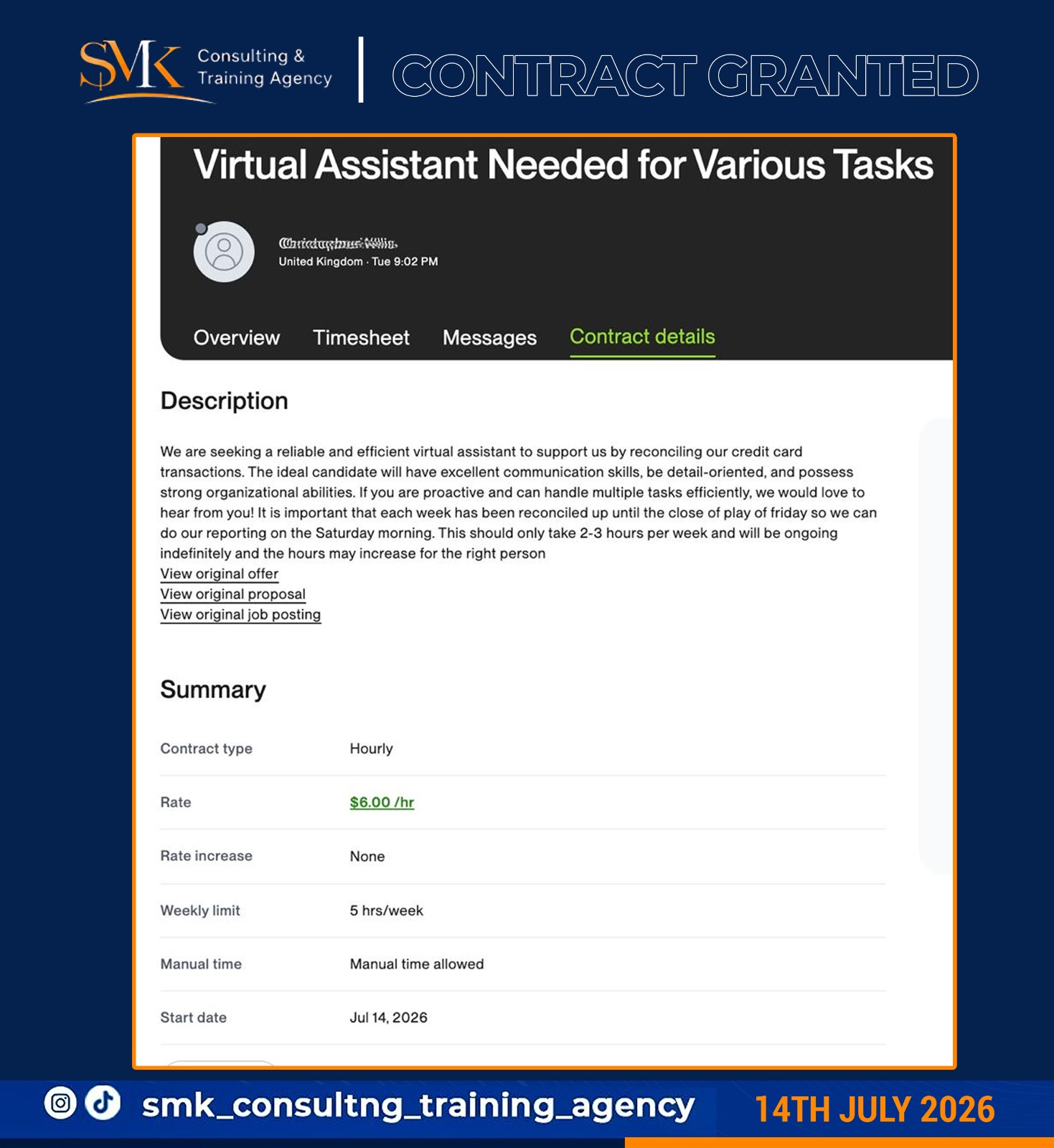
Take a look at the contract screenshots, interview invitations, and client messages received by our students. Click on any image below to zoom.

Contract signed
Signed Contract
Premium Freelance Offer
Contract signed
Signed Contract
VA Client Agreement
Contract signed
Signed Contract
Program Enrollment Contract
Contract signed
Signed Contract
E-Commerce Support Offer
Interview request
Interview Callback
Remote Executive Assistant
Interview request
Interview Callback
Support Specialist Hiring Call
Proposal response
Proposal Accepted
Premium Project Proposal
Proposal response
Proposal Accepted
Client Invitation Response
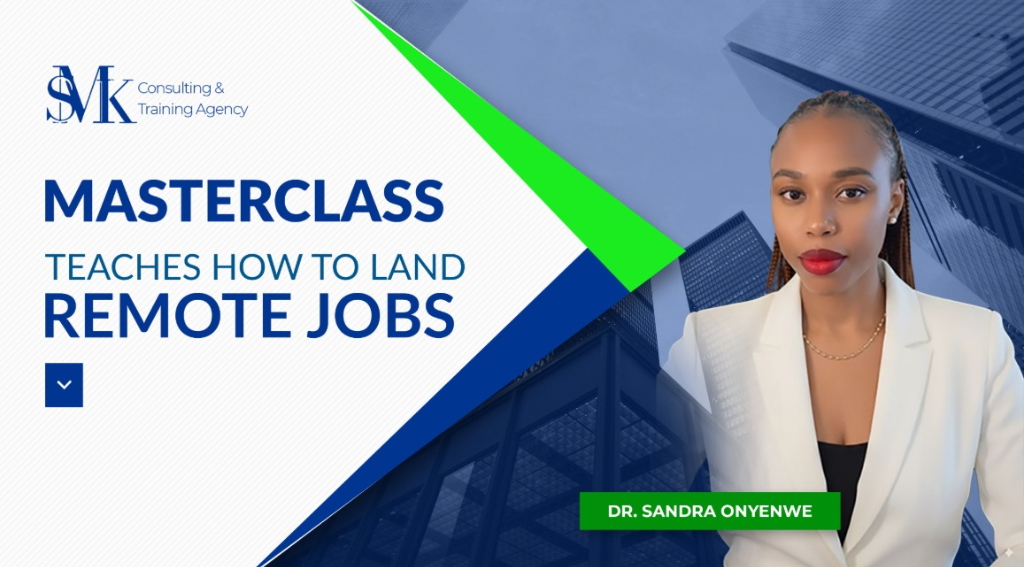
Dr. Sandra Onyenwe - Convener & Lead Coach
MEET YOUR LEAD COACH

Dr. Sandra Onyenwe

Founder, Convener & Lead Instructor, SMK Consulting & Training Agency

Dr. Sandra Onyenwe is a remote work strategist, career coach, and the visionary founder of SMK Consulting & Training Agency. She is passionate about helping individuals build successful, sustainable careers through remote work, freelancing, and globally relevant digital skills.

With years of experience training aspiring professionals, Dr. Sandra has empowered hundreds of students across Africa to confidently transition into careers as Virtual Assistants, Customer Support Specialists, and Freelancers. Her practical, hands-on teaching style equips learners with the exact tools, workflows, and industry best practices used by international companies—ensuring they are not only trained but truly job-ready.

What sets Dr. Sandra apart is her commitment to results. Through structured mentorship, practical assignments, mock interviews, personalized job application support, and ongoing career guidance, she has helped many students move from little or no experience to securing remote opportunities and earning in foreign currencies.

At SMK, her mission is clear: to bridge the gap between talent and global opportunities by equipping people with practical skills, confidence, and the support they need to thrive in today's digital economy.

"Your career transformation begins with the right skills, the right mentor, and the courage to take the first step."
SMK JOB HUNTING COMMUNITY

You don't have to go into the virtual space scouting for jobs alone. Many people have skills but struggle with knowing where to find opportunities, how to apply correctly, or how to stay consistent when results don't come immediately.

As part of our commitment to supporting graduates from any SMK course, we offer 1 month free access to our Job Hunt Community.

Inside the Community, You Get Access To:

  • ✅ Daily remote job opportunities
  • ✅ Priority access to SMK internal vacancies
  • ✅ Step-by-step guidance on how to apply for remote jobs
  • ✅ CV and cover letter templates
  • ✅ Job application tracker to organize your applications
  • ✅ Accountability support to keep you consistent
  • ✅ Interview preparation and role play sessions
  • ✅ Career updates and hiring opportunities
  • ✅ A supportive community of job seekers working toward the same goal

After your 1-month free access, continue for ₦5,000/month or ₦25,000 for 6 months.

PAY FOR JOB HUNTING COMMUNITY → Secured & Processed via Paystack

SECURE ENROLLMENT FORM

Select your training track to complete secure registration via Paystack.

30-Day Money Back Guarantee

If you show up to class, complete the labs, submit all assignments, take the mock validation assessments, remain active in class, and still do not feel you've gained practical job-ready remote skills, email us within 30 days for a full refund. Zero hassle.

256-Bit SSL Encryption Secured Connection

Direct WhatsApp Support

Speak directly to Dr. Sandra or our support team if you have questions regarding enrollment.

FAQ

Frequently Asked Questions

Are mock tests and certifications included in the fee?

Yes! Every training program includes guided practice lab exercises, mock job assessments, and a professional certificate of completion at no extra charge.

What forms of payment do you support?

We process all payments instantly and securely using Paystack. You can pay via debit/credit card, bank transfers, or mobile banking apps.

Can I enroll in multiple classes simultaneously?

Yes, though we recommend spacing them out to dedicate enough time to the practice lab assignments. The Virtual Assistant course takes 2 weeks, and Customer Service takes 3 weeks.

Do you offer job placement guarantees?

We do not guarantee jobs directly, but we do provide curated remote job leads in our Job Hunting Community and VIP guided application support in our Upwork Masterclass to optimize your landing rates.

Amara from Lagos just registered for Virtual Assistant Training
Verified by Paystack